WiFi Setup
Connect your MagicBox® to the internet through the Wi-Fi setup process.
1
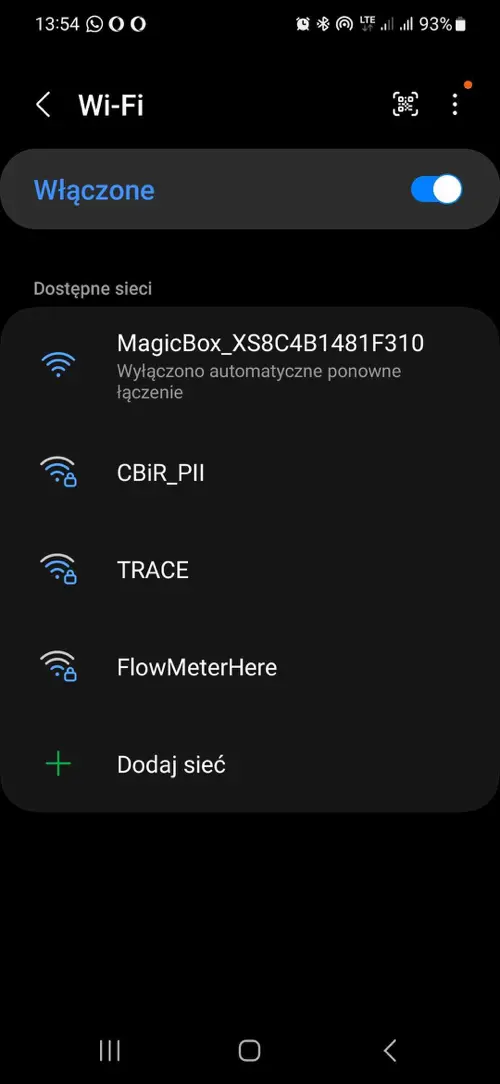
Connect to MagicBox® Wi-Fi
Instruct the user to connect to the Wi-Fi network generated by the device.
Network prefix: MagicBox_
Example network: MagicBox_XS8C4B1481F310
2
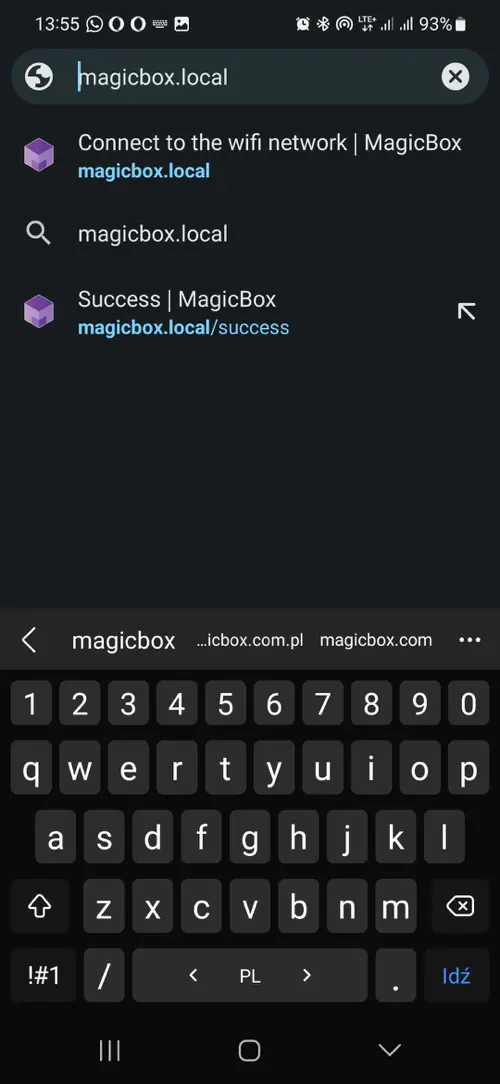
Open the Setup Page
Open the browser and go to the local setup page.
http://magicbox.local
3
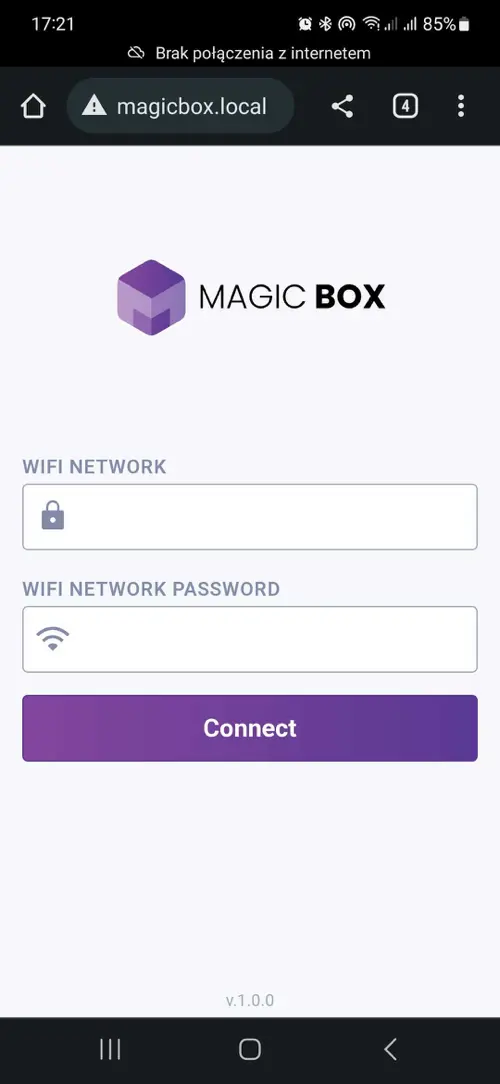
Enter Your Home Wi-Fi Credentials
Enter the Wi-Fi Name (SSID) and password of the home network.
Please make sure your Wi-Fi network uses 2.4 GHz. Some devices may not support 5 GHz networks.
4
Connection Successful
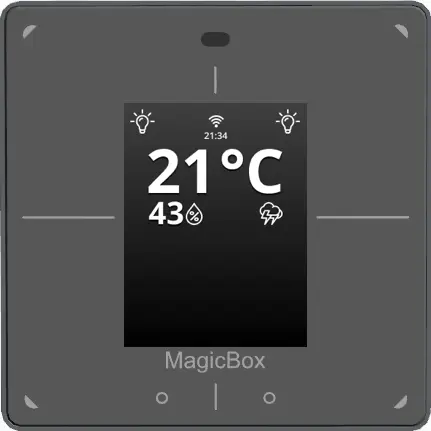
After a successful connection, MagicBox® display will show a Wi-Fi symbol and the time at the top of the screen.