
Creating an Account
1. Registration
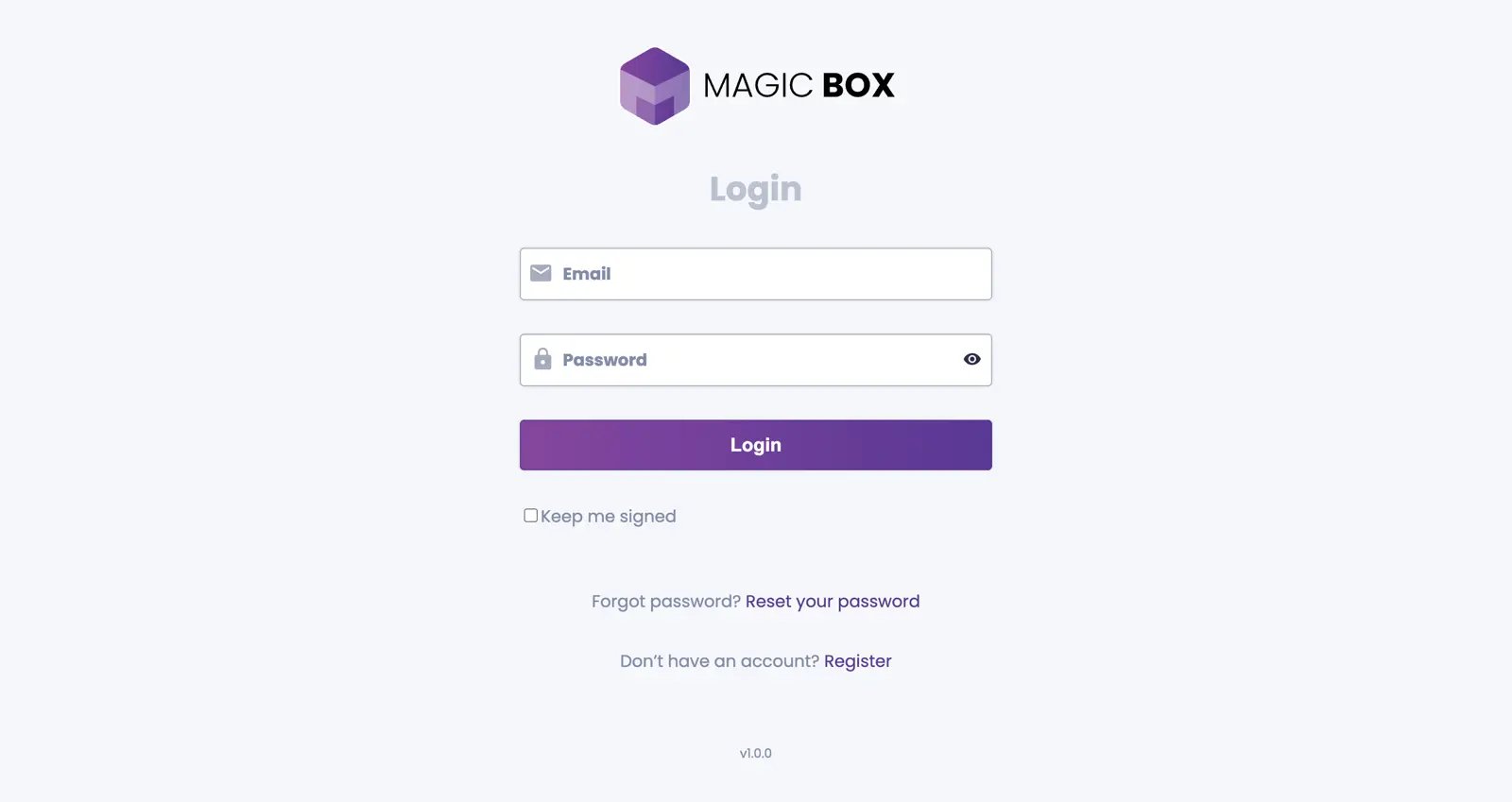
To create an account, visit https://app.magicbox.com.pl. At the bottom of the login screen, locate and click the registration link.
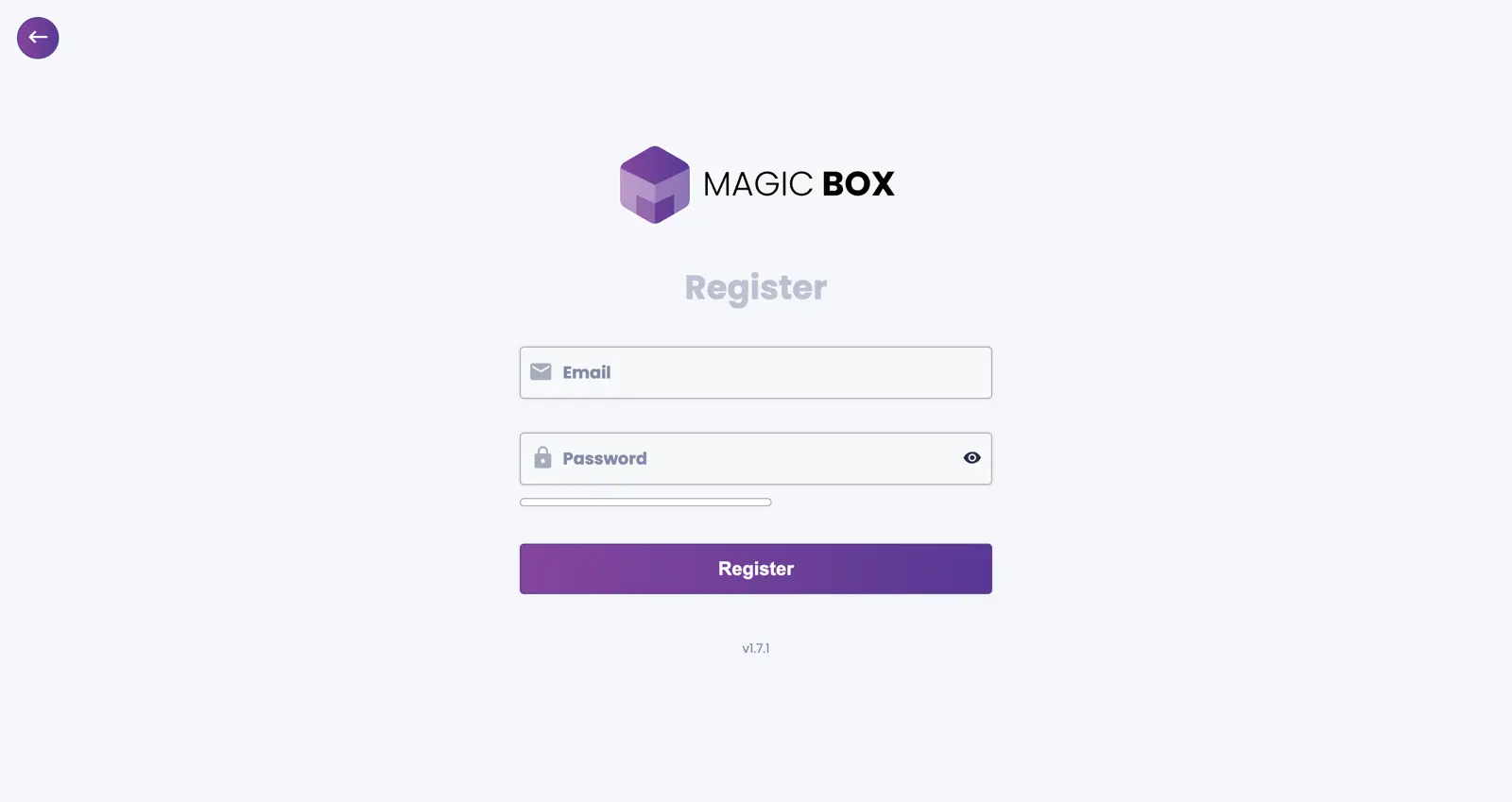
On the registration screen, enter your email address and create a secure password. Click the register button when complete. Upon successful registration, you will be redirected to the home screen and receive a confirmation email with instructions to activate your account.
2. Confirming the Registration
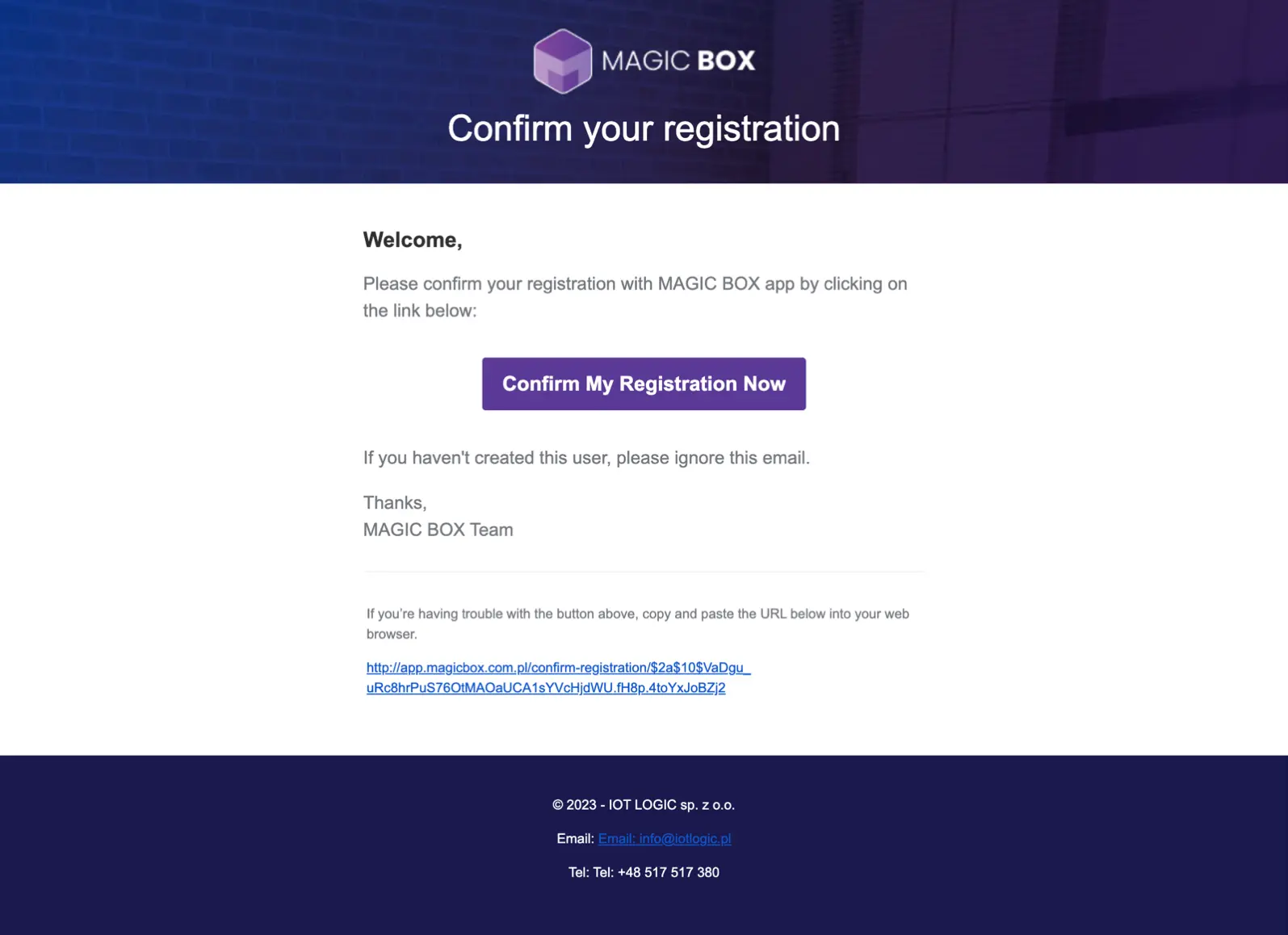
Open your email inbox and locate the email with the subject line MAGIC BOX - confirm your registration. Open the email and follow the instructions. The email contains a confirmation link which can be accessed by clicking the "Confirm My Registration Now" button, or by copying the link from the email footer into your browser. Example link format: https://app.magicbox.com.pl/confirm-registration/$2a$10$yYWcTqPfeiX2a.M_ctQzueV_44NTdaNWbwWAX2b898dL0avIDbpOq
After clicking the confirmation button in your email, you will be redirected to the login screen with a message indicating that your registration was successfully confirmed and you can now log in to your account.
3. Log In
After successfully confirming your account, you can log in using your registered email address and password.