Password Recovery
Reset your forgotten password using the link on the login screen.
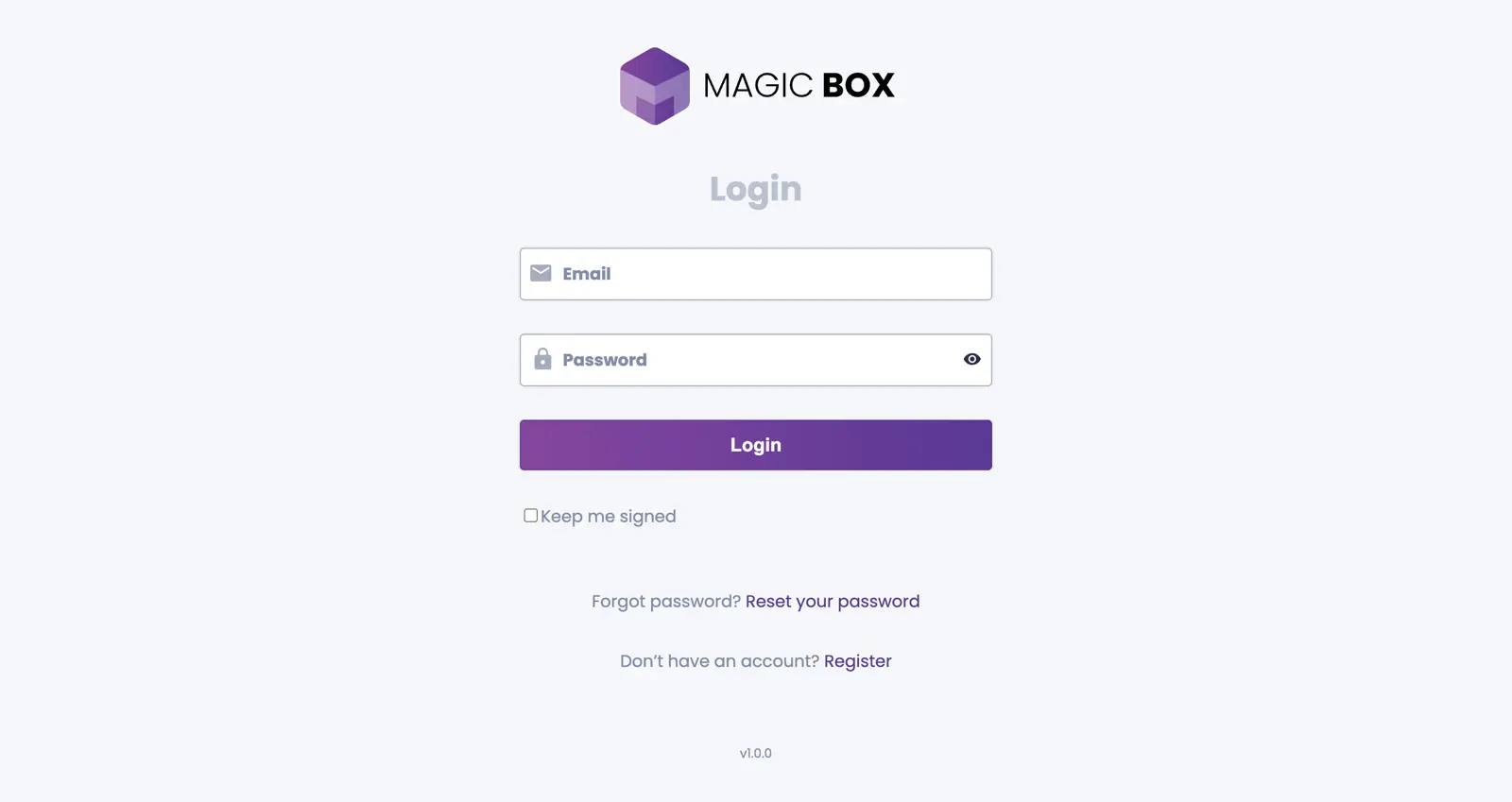
Click the Reset Link
If you have forgotten your password, visit the login screen and click the "Reset your password" link located just below the Login button.
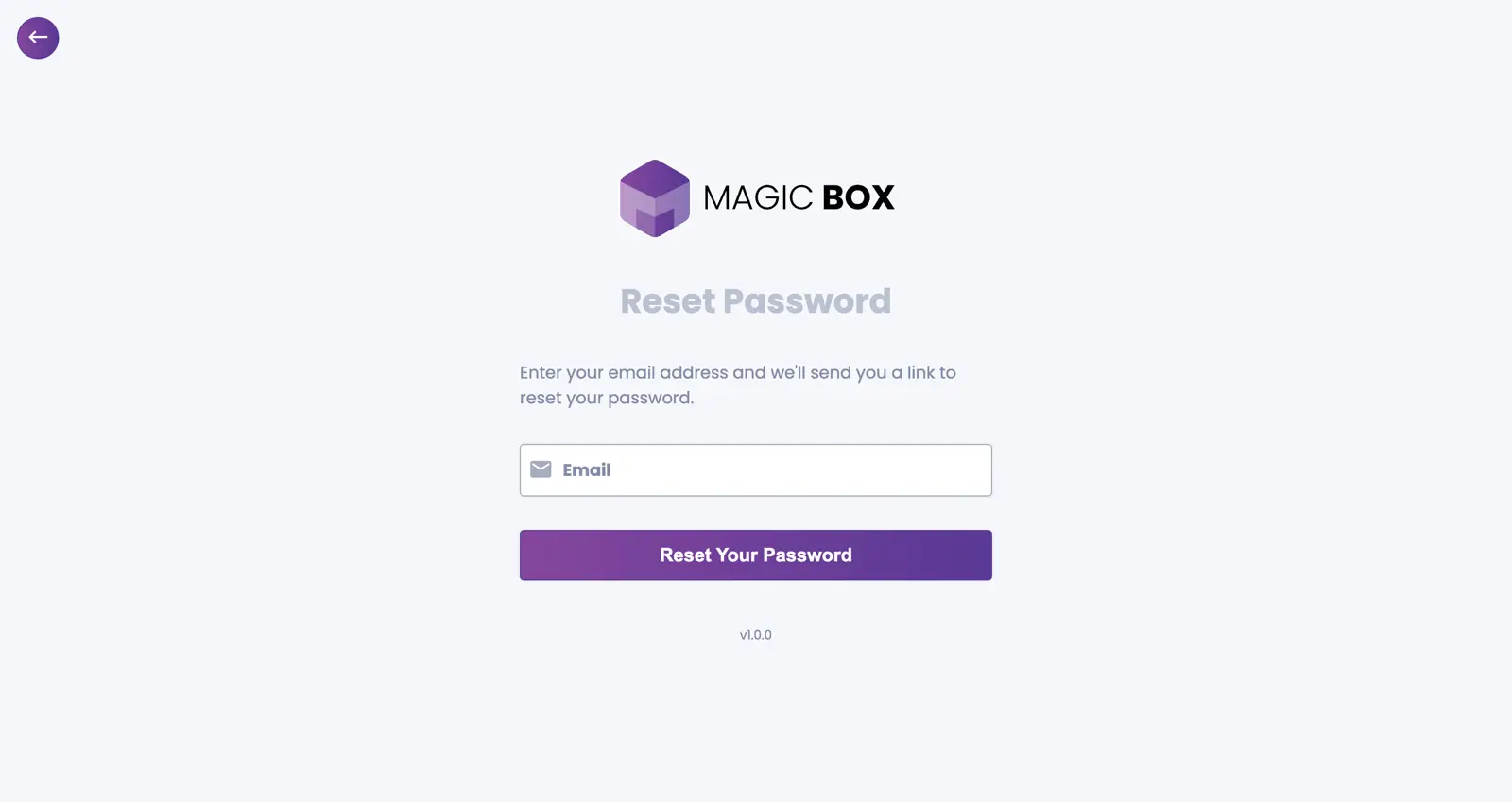
Enter Your Email
On the password reset screen, follow the instructions and enter your email address. Then click the "Reset Your Password" button.
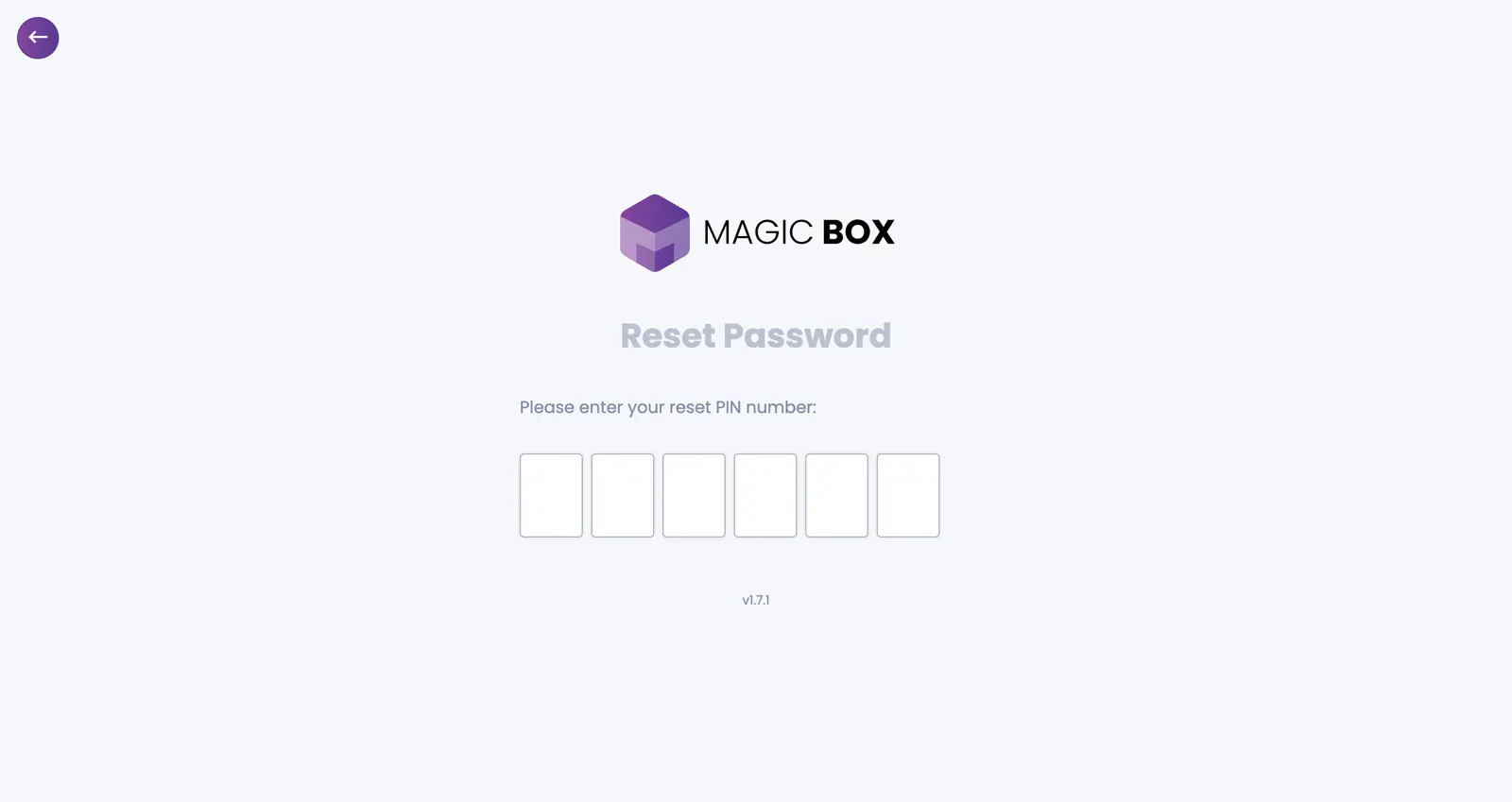
Enter Your PIN
You will see 6 empty input fields where you need to enter your password reset PIN. This PIN was sent to your registered email address.
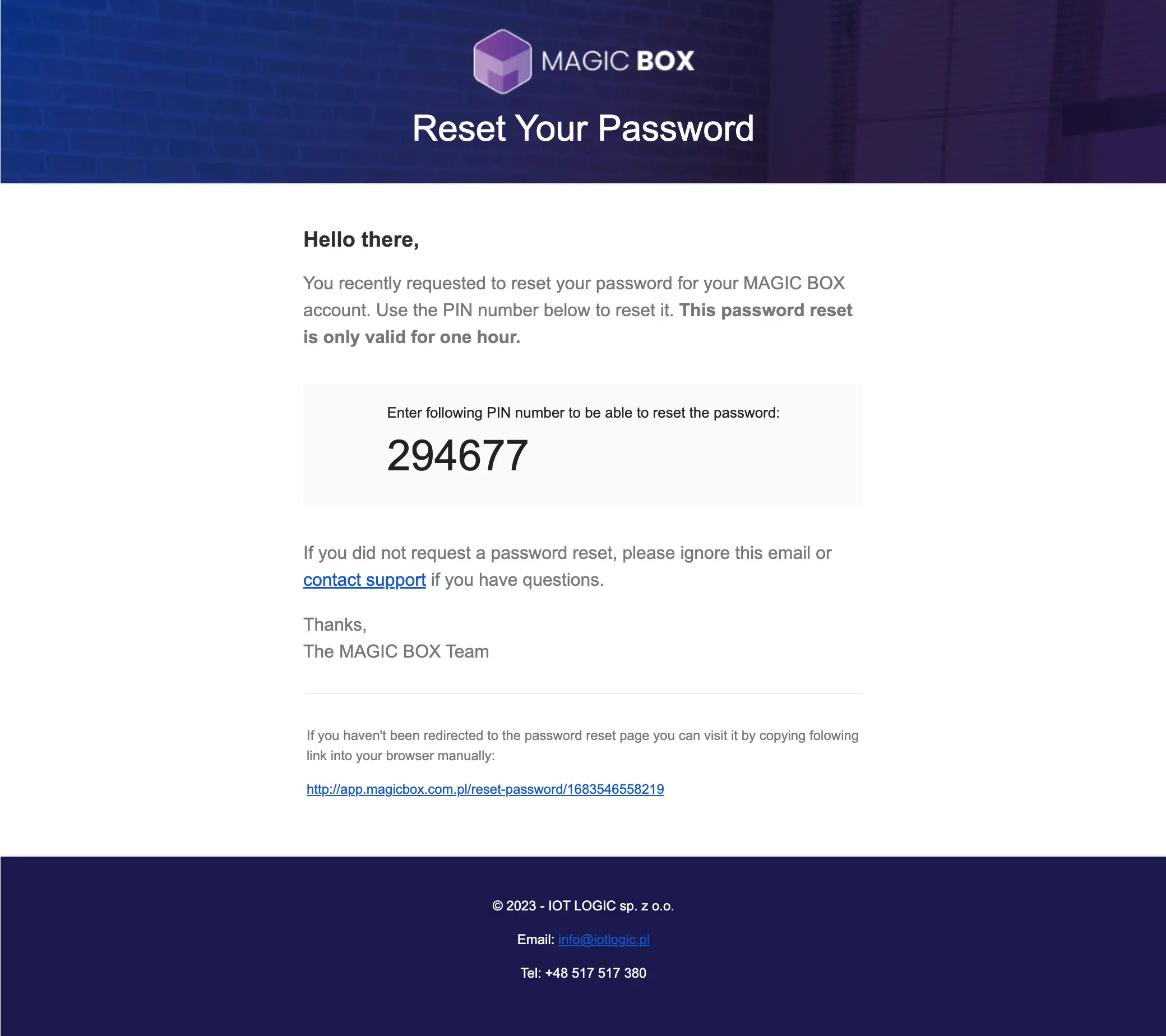
Find PIN in Email
Open your email and copy the PIN, then paste it into the form (or enter it manually).
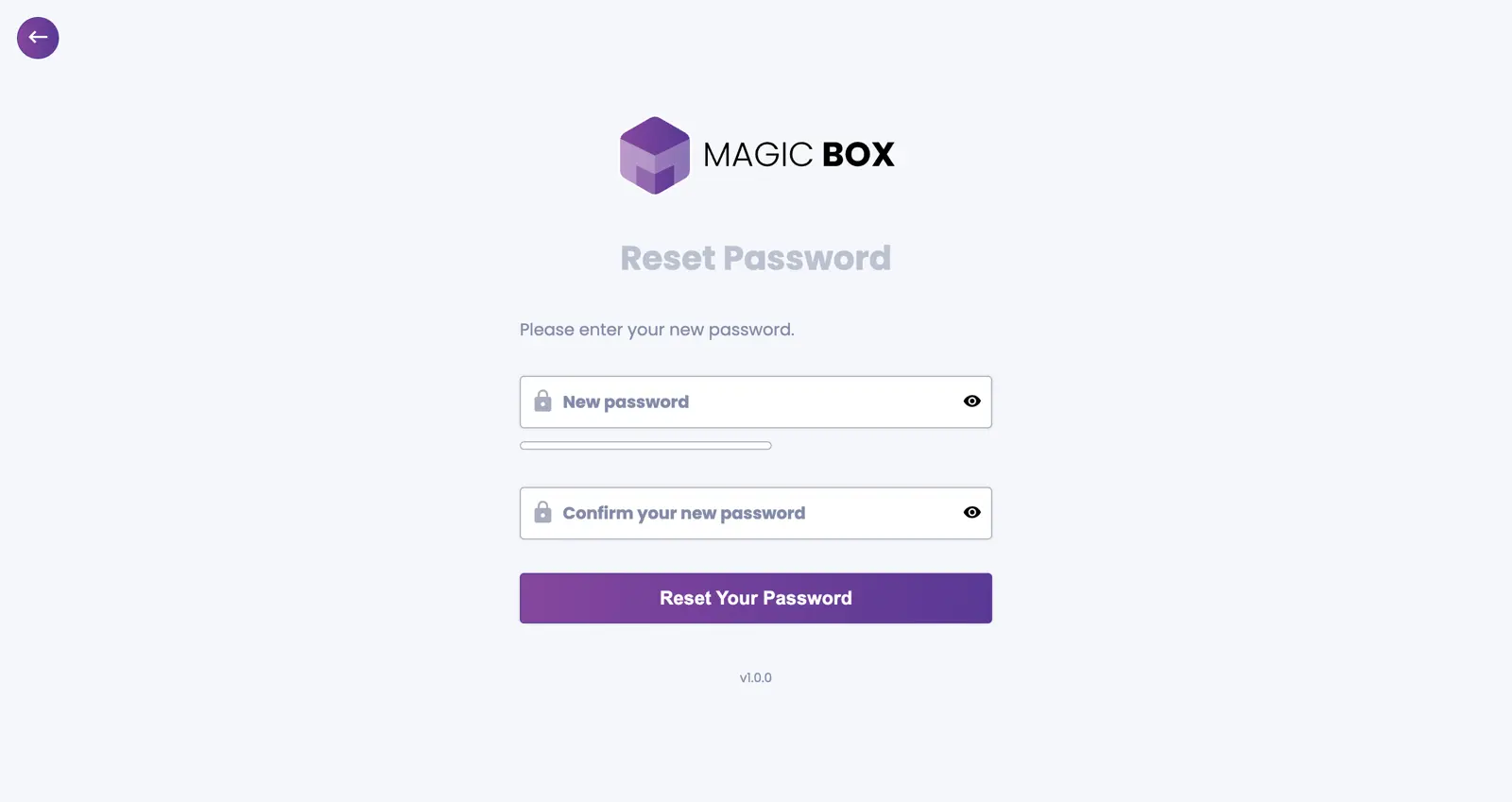
Set New Password
If the PIN is valid, you will be presented with the option to change your password. Choose a new password and click the "Reset Your Password" button. After successfully changing your password, you will be redirected to the login screen. You can now log in using your new password.