
Managing History
You can manage history from the History section in the application. History is divided into two sections: Events History and Data History.
1. Events History
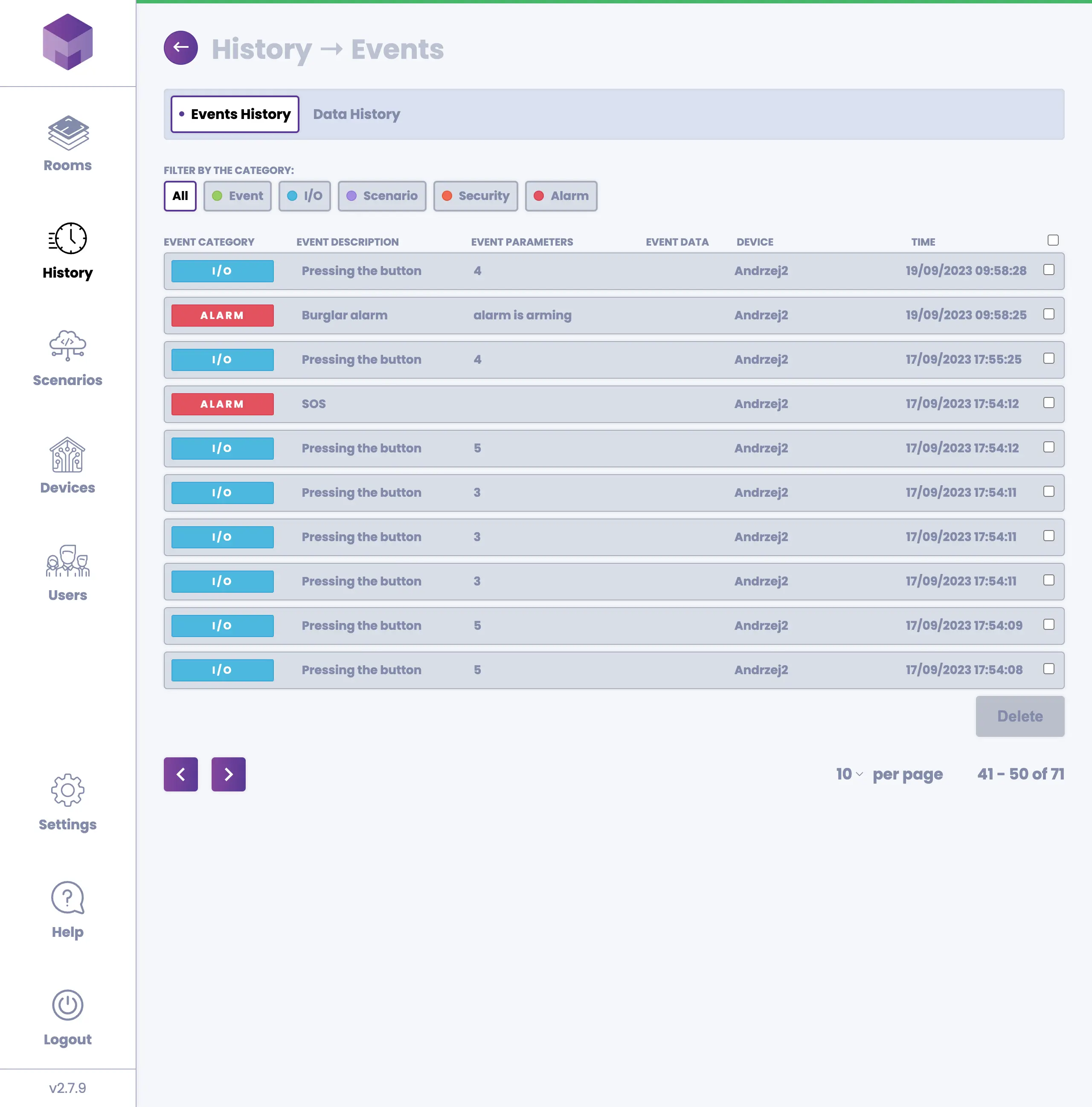
Events History contains recordings of all events that occur on your devices. Events are categorized into five groups:
Events: Two types of events are recorded - movement detection and temperature exceeded.
I/O: Records button presses, input changes, output changes, and doors being opened or closed.
Scenario: Records whenever a scenario is executed.
Security: Records SMS notifications being sent.
Alarm: Records burglar alarm triggers and SOS button presses.
You can remove events once you have reviewed them by selecting the checkbox on the right side of each event and pressing the Delete button.
2. Data History
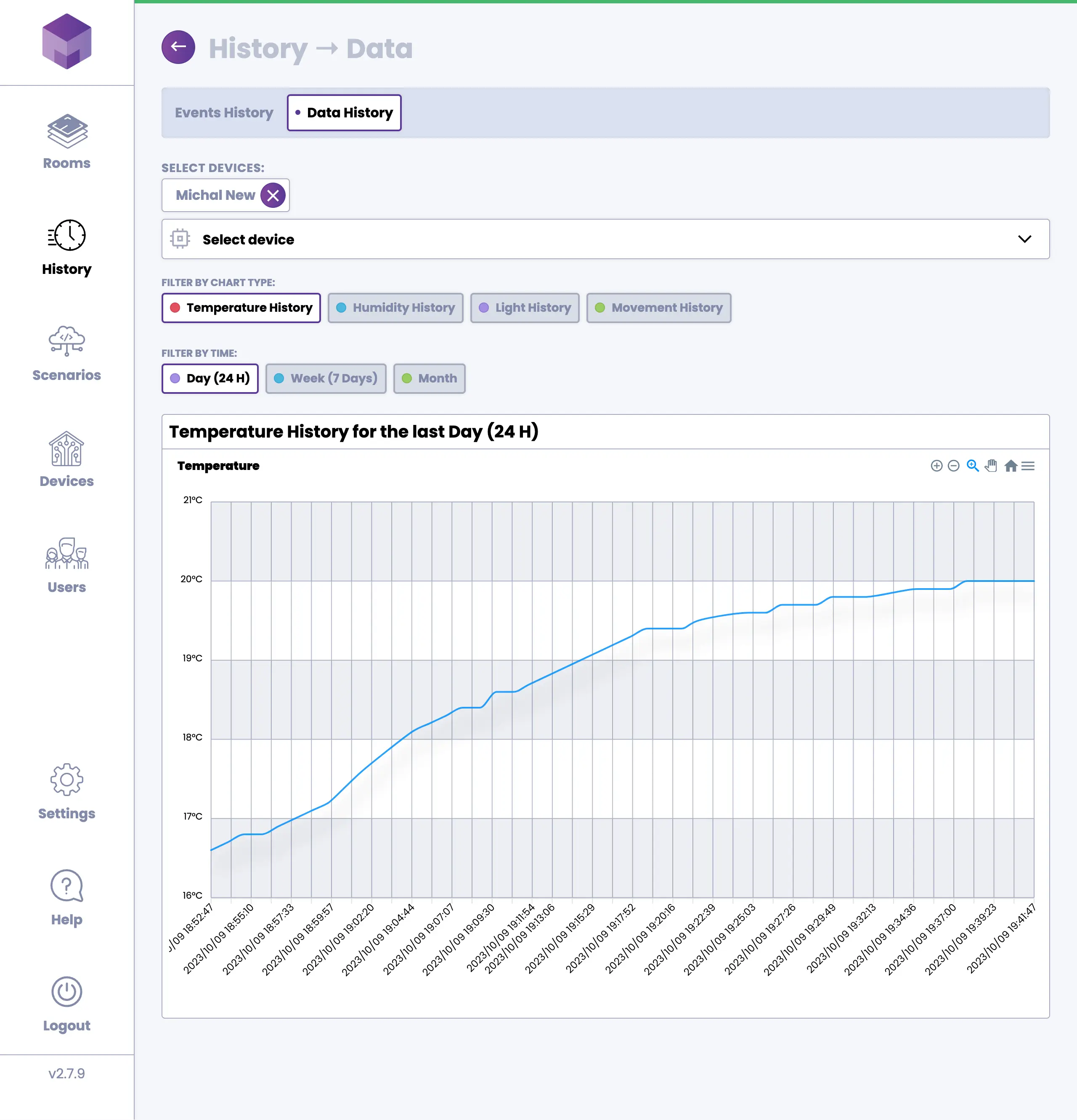
Data History displays recordings of sensor data collected by your devices, including temperature, humidity, light, and movement. To view data history, select one or more devices, choose the chart type (temperature, humidity, light, or movement), and pick a time range (day, week, or month).